How to Draw Clouds in Procreate
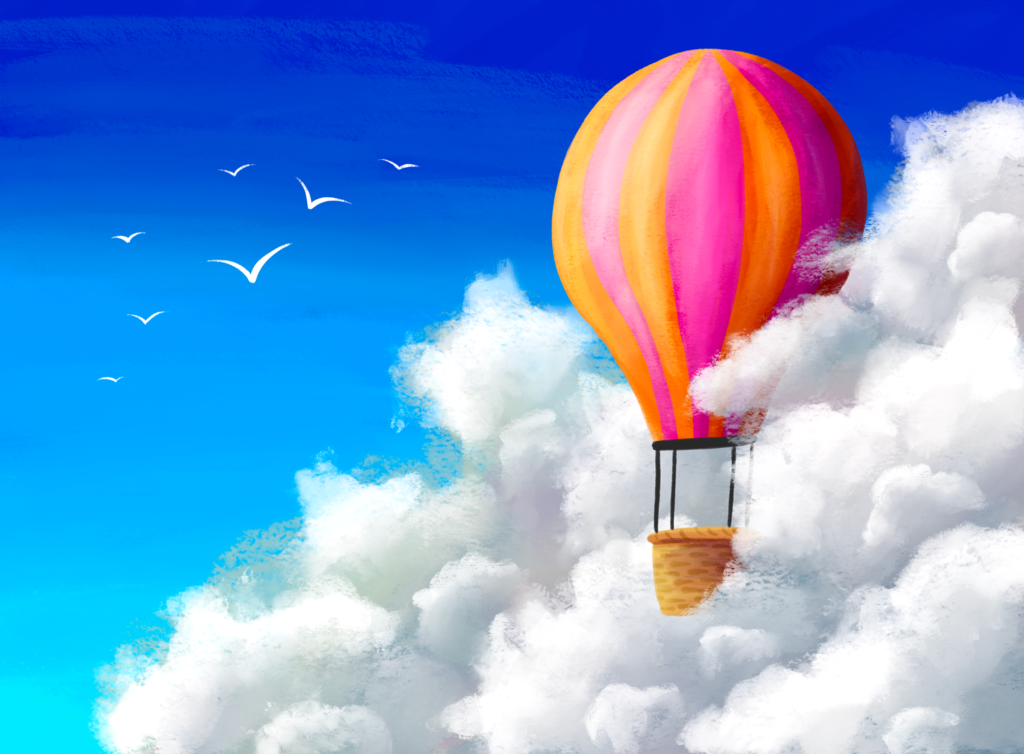
Learn how to draw clouds in Procreate by creating this hot air balloon scene!
Learn how to draw clouds in Procreate! In this tutorial, I’ll teach you this simple method for painting a skyful of gorgeous puffy clouds in Procreate using brushes from my Gouache Paintbox. Then, I’ll walk you through digitally painting this entire hot air balloon scene, where you’ll also learn about essential Procreate features such as clipping masks, layer masks, and how to use blend modes to add shadows and highlights.
Canvas Size Used: 3800×2800 Pixels
BRUSHES USED
Brushes in this tutorial are from my Gouache Paintbox brush pack
- Sky background, clouds, hot air balloon shading: Thick Sticky and Thick Sticky Blender
- Hot air balloon shapes: Painty Round
- Birds: Detail Liner
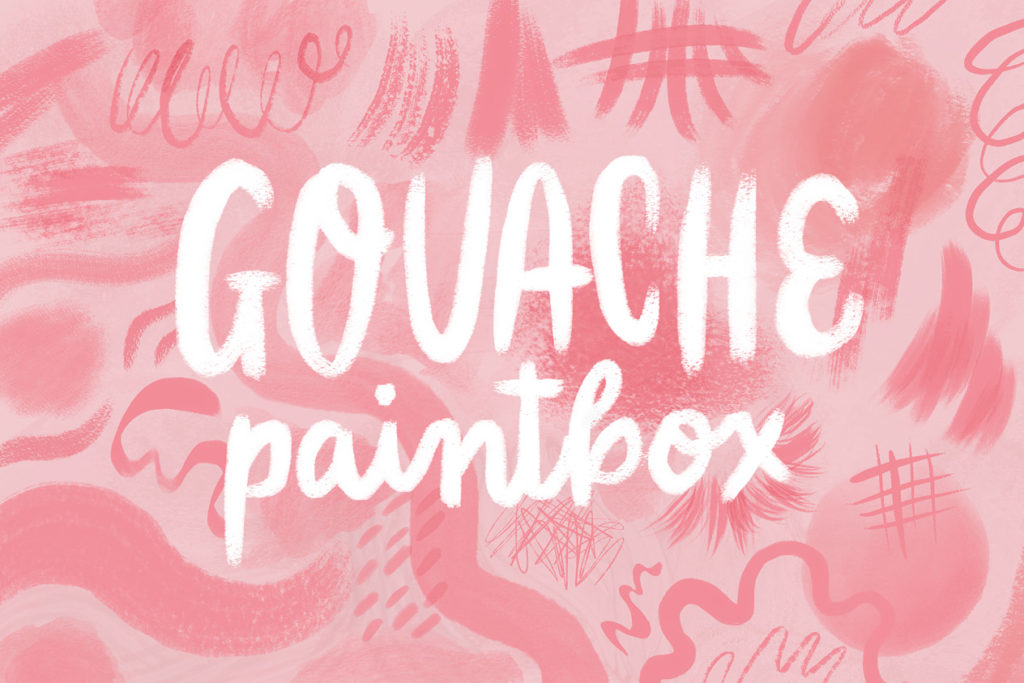
I created this set of gouache brushes to replicate the unique style of midcentury-era illustrators such as Mary Blair. These illustration brushes feature loads of randomized texture to give the effect of real gouache paint on a brush. Brushes have built-in inconsistencies, resulting in a very natural, hand-painted look.
Artwork made in this Tutorial
Join me for more livestream drawing
Stay tuned for more live draw videos where we can hang and draw together, I can answer your questions, and show you some cool Procreate tips and tricks!
Where to Watch
Watch on Instagram: @bardotbrush
Watch on Facebook in the Procreate Community and Making Art Everyday // Bardot Brush Groups.
Categories: Live Tutorial Procreate Tutorial
Tags: Gouache Paintbox
This was so fun!! And looks so impressive when finished. Thank you!