
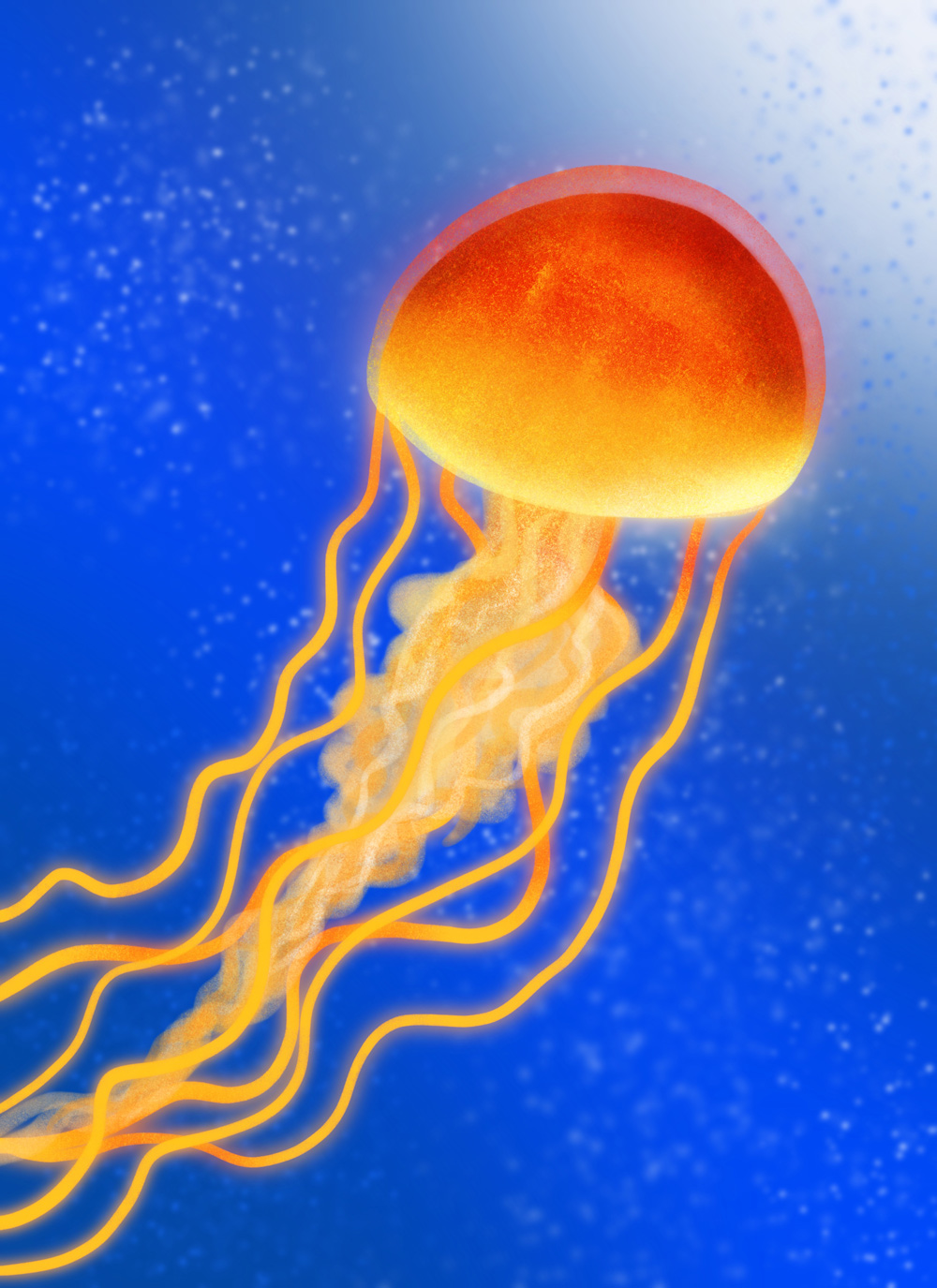
How to Draw a Glowing Jellyfish // Procreate Tutorial
Learn how to draw a neon jellyfish in Procreate!
Join me in this live tutorial where I’ll teach you how to draw this super cool jellyfish and create an awesome glowing effect. This tutorial will take you step-by-step, showing you lots of useful techniques and tricks along the way. You’ll get to know some essential Procreate features like layers, clipping masks, the liquify tool, blend modes, and more. By the end, you’ll have a pretty rad drawing of this most unusual sea creature. For this lesson, I’ll be using brushes from my Awesome Alcohol Markers set and one from Texturrific Shaders.
Canvas Size Used: 2800×3500 Pixels
Brushes Used
Brushes in this tutorial are from my Awesome Alcohol Markers brush pack (plus one from Texturrific Shaders).
- Background bubbles: Pepper Shader from Texturrific Shaders
- Jellyfish bell, tentacles, highlights: Brush Tip – True
- Bell details, mouth arms: Brush Tip – Intense
- Texture: Smooth Marker Texture – Light & Dark
The Wash & Dry Watercolor Toolkit for Procreate contains everything you need to create wonderful watercolor-like paintings all with the convenience and control of digital art-making. This set contains beautifully blending wash brushes and texture-full dry brushes that play perfectly together.
Artwork made using this Tutorial
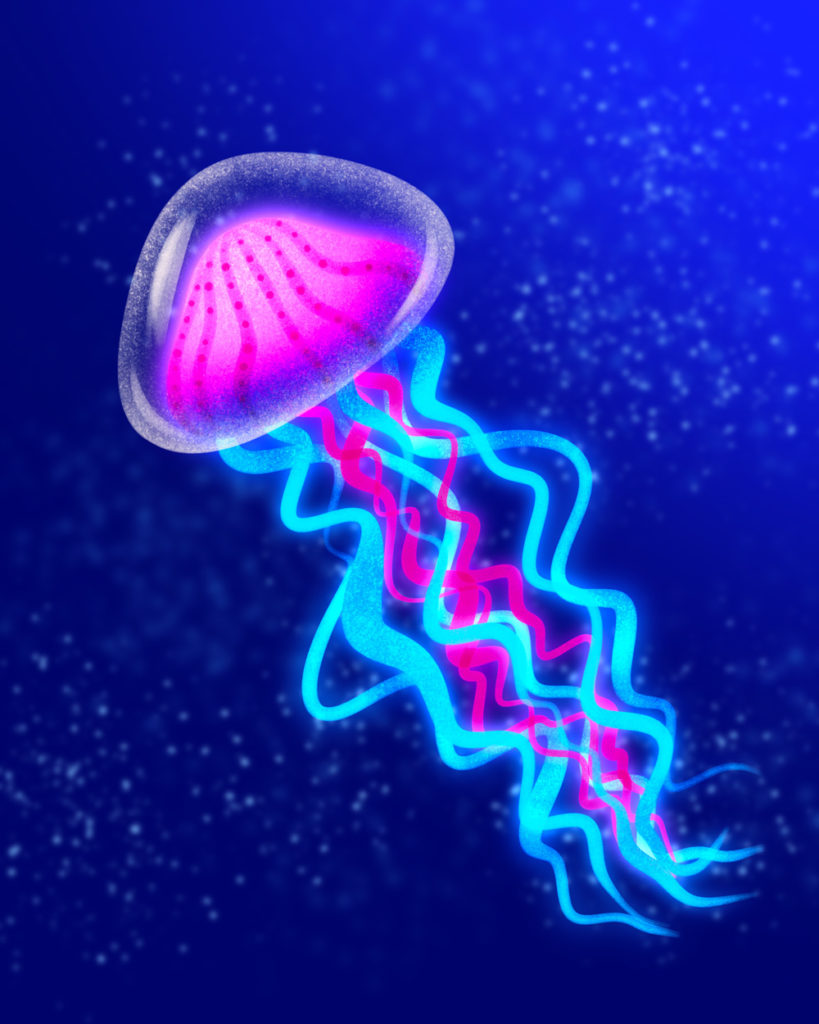
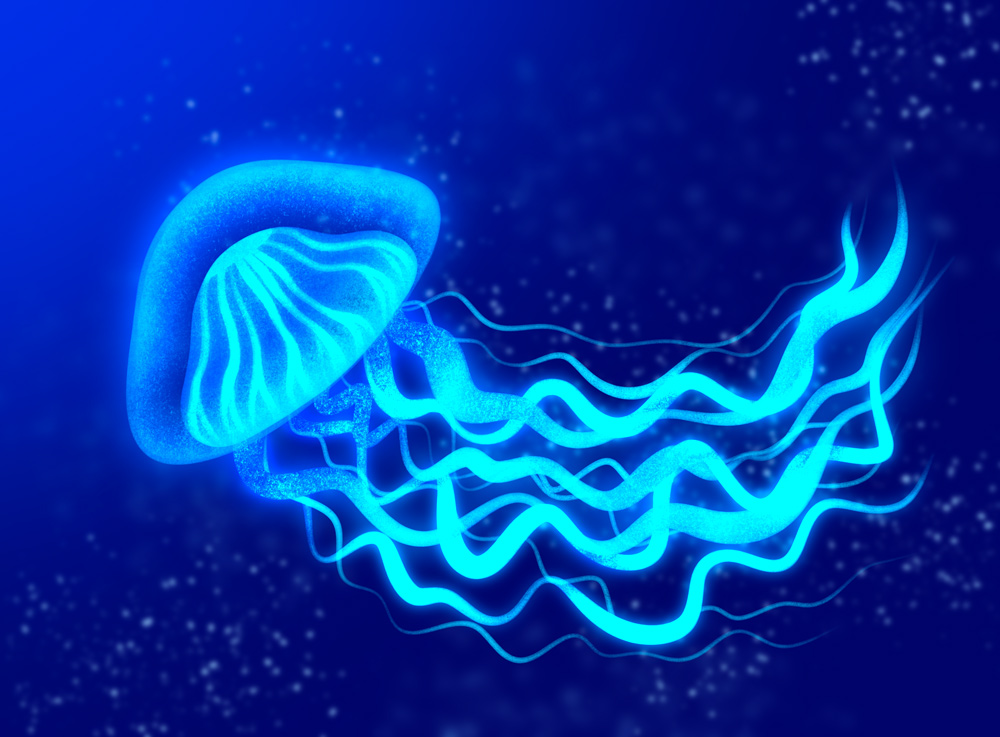
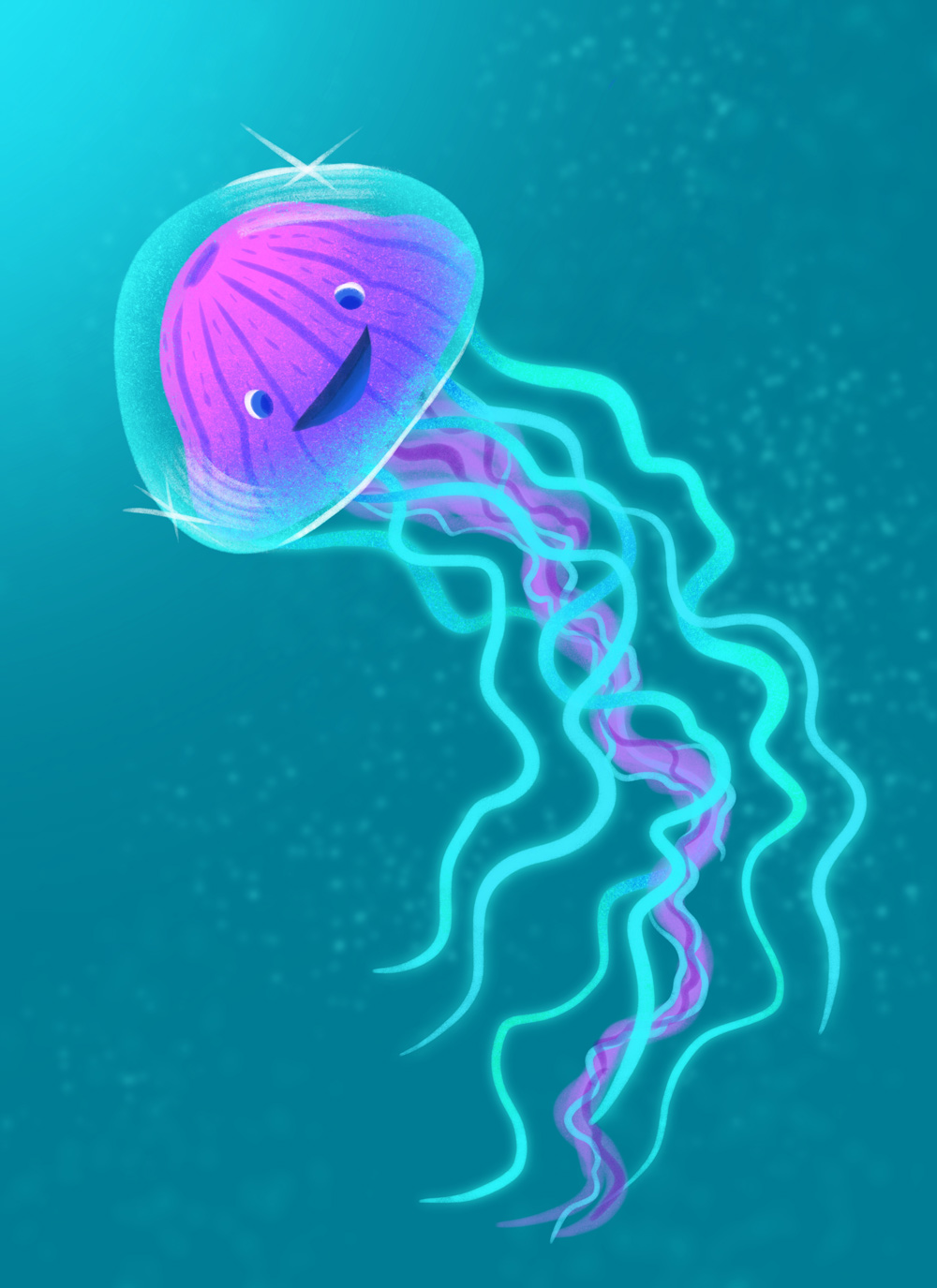
Join me for more livestream drawing
Stay tuned for more live draw videos where we can hang and draw together, I can answer your questions, and show you some cool Procreate tips and tricks!
Where to Watch
Watch on Instagram: @bardotbrush
Watch on Facebook in the Procreate Community and Making Art Everyday // Bardot Brush Groups.



Categories: Live Tutorial Procreate Tutorial
Tags: Awesome Alcohol Markers
Hi Lisa! Could you please make this video accessible again? My 11 year old niece is just learning procreate and I think this is one of the easier tutorials to follow along (I want to avoid overwhelming her). I also noticed that the cactus one is missing now too. Will you be bringing them back? Thank you!
I’ve also been trying to access the jelly fish, I’d love to watch it
Oops, I mean the desert scene one not the cactus one (it also has cacti).
Hello, Lisa.
Looks like this video is unavailable, any chance you could reactivate it?
Thanks!
I would love to see this tutorial 🙂
It’s telling me this video is private when I try to view it?
Hi! I wanted to refresh myself of this video tutorial! Do you mind making it available again? Thanks so much!!
It is available again now. We just re did it!